
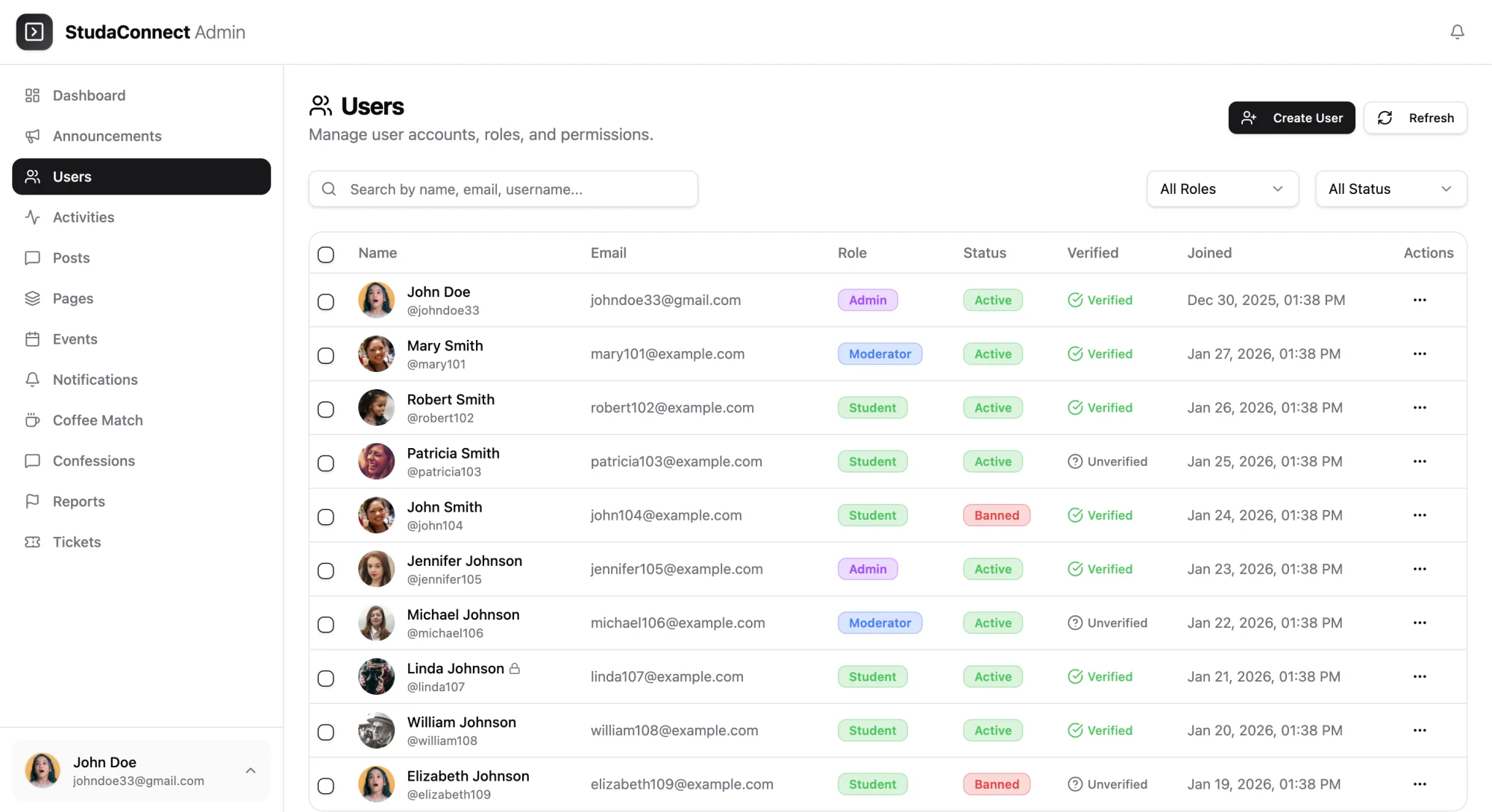
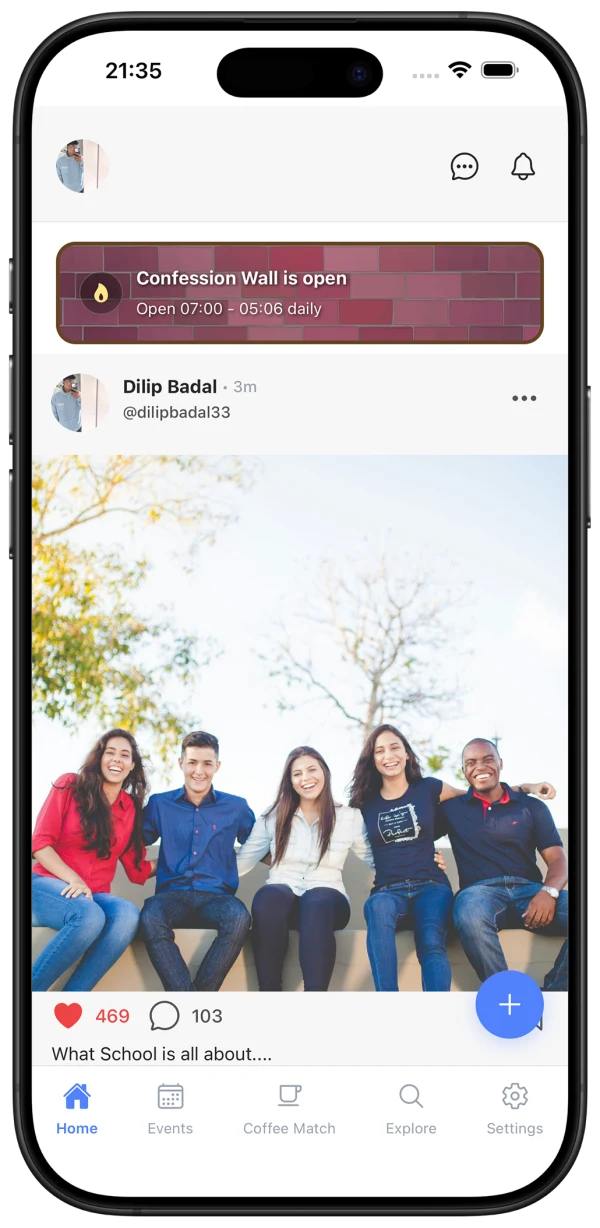
StudaConnect
A student app and a console for the people running the campus community.
Blanc Horizon is an independent software studio. We create our own web and mobile apps and build custom software for businesses, with a focus on clear interfaces and practical everyday use.
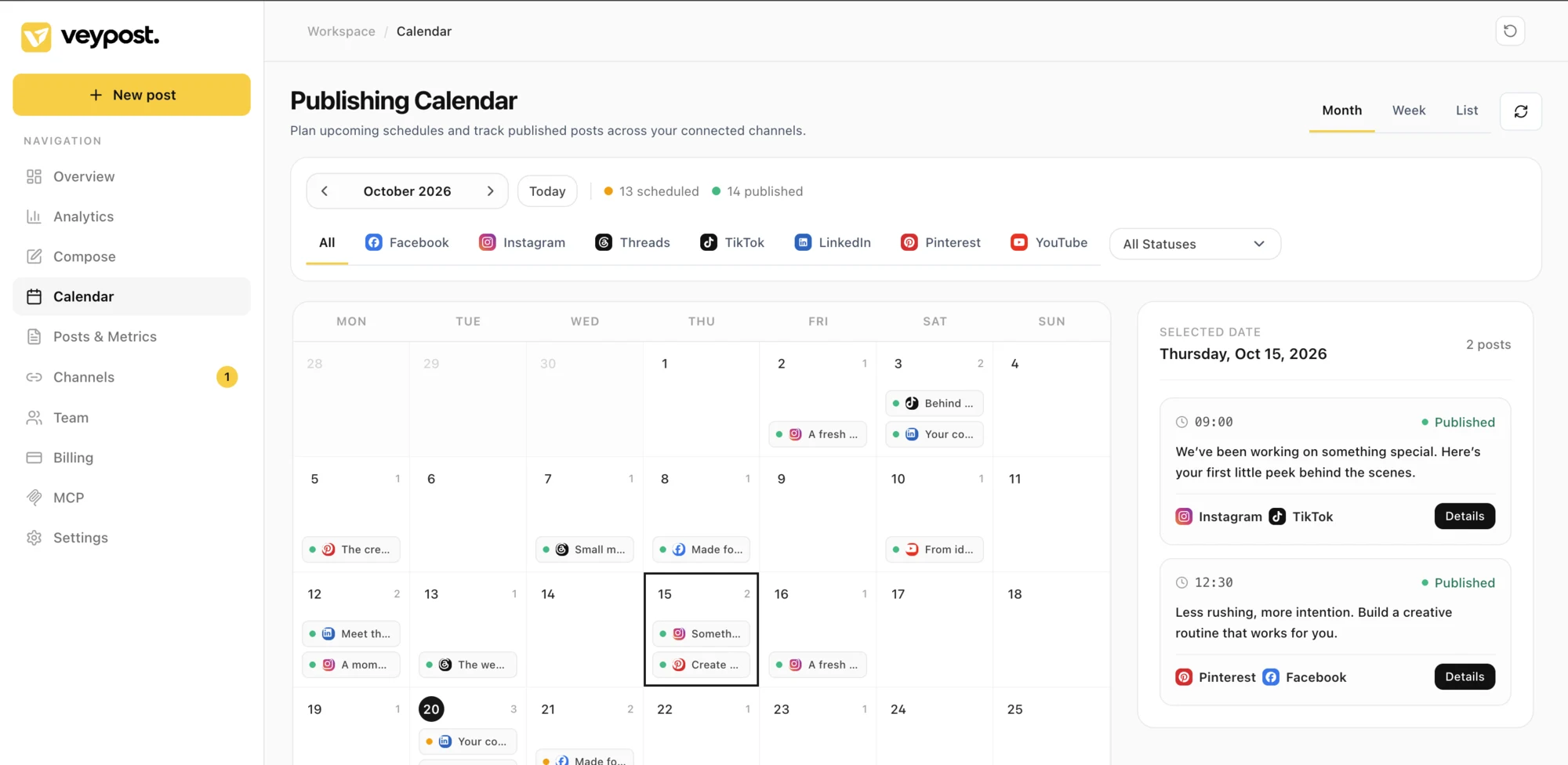
Social media workspace
Plan and manage social content in one workspace.
We also build web applications and internal tools for client projects.
Start with the workflow you want to improve.
Share what you need to build or change. The next step is to understand the work, agree a useful scope and decide how to proceed.
How we workShare the current workflow, the users and the change you need. Existing tools and examples help make the discussion concrete.
Define the first set of screens and workflows, the constraints and what will be checked before the work is accepted.
Review the interface and the main journeys against the agreed scope, including access rules and error cases.
Discuss launch preparation, handover and any further improvements. Ongoing work is agreed separately for the project.
Where to find the apps, what is still in development, and how to discuss custom work.
All questionsFor planning social content, start with VeyPost. For student communities and campus administration, explore StudaConnect. LUVYN is our compatibility-focused mobile app in development.
It has two sides: a mobile app for students and a web administration console for managing the community. The screenshots on this site show both.
No. LUVYN is in development and has not been released. We have not announced a launch date or a final feature list.
Open the product detail page here, then follow its website link. Each product website is the place to check current access, availability and features. The screenshots here introduce the interfaces.